Chat Application built using NestJS, PostgreSQL, Elasticsearch and ReactJS.
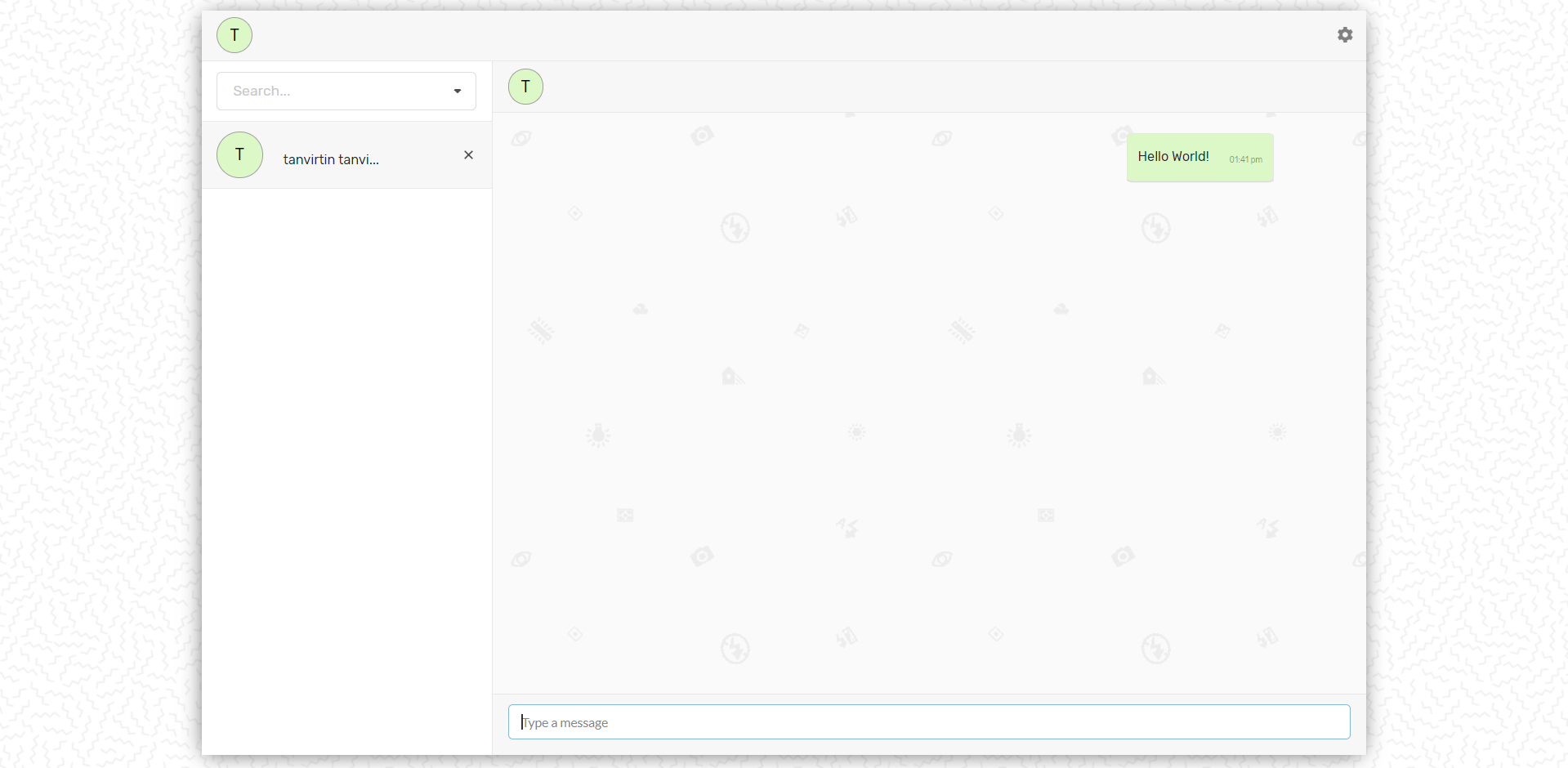
- User creation
- Registration.
- Login.
- Clients are verified via JSON web tokens.
- A socket will only send messages to the receiver if their jwt token exists in cache.
- User search
- Clients can look up one another via first name, last name and email
- Users are indexed into Elasticsearch which makes them available for fast lookups.
- Messaging
- Messaging is instant, if client is online they will receive the message in real time with the use of Socket.io.
- Similar to slack you can send message to yourself.
- If someone gets hold the user's jwt token they can make requests to all routes only authorized to that user despite authenticating themselves.
- Solution:
- Using sessions instead of relying purely on JWT validation.
- Solution:
- Everytime the server restarts all the users are logged out.
- Solution:
- Using caching that persists outside the instance of the server. For example: Redis.
- Solution:
- POST
'register'- Registers a user and gives you back a jwt token
- POST
'login'- Logs in the user and gives you back a jwt token
- POST
'logout'- Logs the user out and deletes the jwt token from server cache
- GET
'api/users'- Retrieves all user (Protected)
- POST
'api/message'- Creates a message (Protected)
- GET
'api/conversation/?with=${with}&page=${page}&limit=${limit}'- Retrieves all conversation between two users (Protected)
withis the email of the user you are having the conversation withpageis a pagination variable to indicate which page of conversation you want to retrievelimitis a pagination variable to indicate how many conversations you want in each page to have
- GET
'api/search/:index'- Retrieves all documents of a given index (Protected)
indexis the name of the Elasticsearch index
- POST
'api/search/:index'- Retrives particular documents depending on the query provided (Protected)
indexis the name of the Elasticsearch index
- Docker
- Docker Compose
You will need the following environment variables configured in order for compose to work. In your root directory create a .env file with the following environment variables filled out.
  NODE_ENV=production
  JWT_EXPIRATION=604800
  SERVER_PORT=8000
  SOCKET_PORT=8001
  SECRET='<string of your choice>'
  ES_TIMEOUT=3000
  # 192.168.99.100 for wsl users
  ES_HOST=localhost
  ES_PORT=9200
  # 192.168.99.100 for wsl users
  DB_HOST=localhost
  DB_PORT=5432
  # 192.168.99.100 for wsl users
  DOCKER_IP=localhost
  REACT_APP_REST_API_ENDPOINT=''
  REACT_APP_SOCKET_ENDPOINT=''
  REACT_APP_COOKIE_MAX_AGE=18000
  REACT_APP_ITEMS_PER_PAGE=15
After you have created the .env open up a terminal and type in:
$ make docker-up
Your application should be up on port 8000.