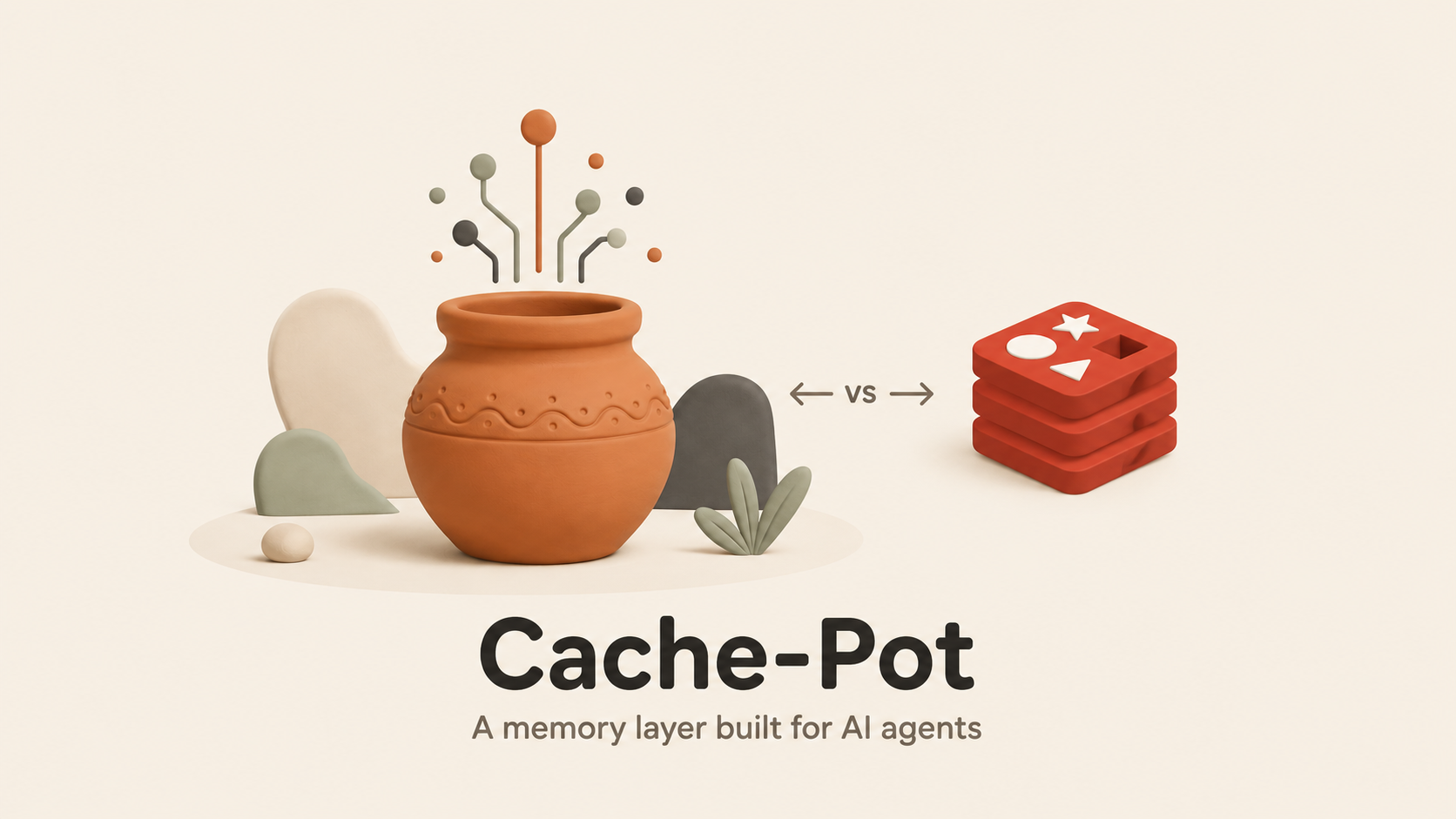
In-memory, Redis-compatible, and built for AI. Runs from a single binary.





Cache-Pot is an in-memory data store in the Redis mould, reworked around the way AI apps and agents actually use a cache.
Under the hood it wears three hats:
- A Redis-compatible cache. It talks RESP2 on the wire, so the Redis client you already have — and the code around it — keeps working untouched.
- A vector and semantic layer. Store vectors and search them by nearest neighbour, or cache model answers by meaning: ask something close to a question you asked before and Cache-Pot hands back the earlier answer instead of paying for another model call.
- A native MCP endpoint. Agents such as Claude can read, write, search, and remember through Cache-Pot as a first-class tool — no adapter layer in between.
Redis grew up serving app servers. Cache-Pot is aimed squarely at AI agents.
For a wide slice of everyday work, yes. Anywhere you lean on Redis (or Valkey) as a cache or a plain key/value store, you can repoint the app at Cache-Pot and carry on — the RESP2 protocol is the same one your client already speaks.
What sets it apart:
- Vector search and a semantic cache ship in the box; on Redis those mean bolting on a module or writing extra glue.
- An MCP server is built in, so agents pick it up as a tool with zero setup.
- The whole thing is one self-contained binary — nothing else to install, quick to grab and run.
And the honest limits, so there are no surprises:
- No clustering, replication, or failover.
- Not hand-tuned to win a raw-throughput race against Redis or Valkey.
Read that as: a strong Redis-style cache and AI data layer for a single machine — not a stand-in for a large production Redis cluster.
Grab Go 1.25 or newer, then pick whichever of the three below suits you.
go install github.com/subh05sus/cache-pot/cmd/cache-pot@latest
cache-potdocker run -p 6379:6379 -p 8080:8080 ghcr.io/subh05sus/cache-pot:latestgit clone https://github.com/subh05sus/cache-pot
cd Cache-Pot
go run ./cmd/cache-potOn startup the log prints:
cache-pot: listening on [::]:6379
cache-pot: dashboard on http://localhost:8080
Done — the store answers on port 6379 and a live dashboard sits at http://localhost:8080.
Have redis-cli around? Point it at port 6379 and go:
redis-cli -p 6379> SET hello world
OK
> GET hello
"world"
> EXPIRE hello 60
(integer) 1
Already running an app on Redis? Aim it here — typically a single line changes:
export REDIS_URL=redis://localhost:6379No redis-cli handy? Cache-Pot ships its own. cache-pot cli opens an interactive RESP shell against a running server:
cache-pot cli
localhost:6379> SET hello world
OK
localhost:6379> GET hello
"world"
It also runs one-shot commands and reads piped scripts, so it drops into shell pipelines:
cache-pot cli PING
echo "SET job:1 queued" | cache-pot cli
Connecting to a TLS server? Add --tls (and --tls-cacert ca.pem, or --tls-insecure for self-signed certs).
Same shapes you know from Redis:
SET user:1 "Subh"          store a value
GET user:1                  read it back
INCR visits                 count something
HSET person name Subh      store fields under one key
RPUSH queue job1 job2       a list
SADD tags go ai             a set
ZADD board 100 alice        a ranked list
SUBSCRIBE news              listen for messages
PUBLISH news "hello"        send a message
Complete reference with examples: docs/commands.md.
Save vectors, then pull back the nearest matches. Your app supplies the numbers directly — no API key in the loop.
VSET docs d1 0.1 0.2 0.9 META "intro page"
VSET docs d2 0.9 0.1 0.0 META "pricing page"
VSEARCH docs 0.1 0.2 0.85 TOPK 1 WITHSCORES
Store a model's answer once. When a close-enough question shows up later, Cache-Pot returns the stored answer rather than billing you for a fresh call.
SCACHE.SET "What is the capital of France?" "Paris"
SCACHE.GET "whats the capital of france" THRESHOLD 0.9
> "Paris"
You'll need an embeddings provider for this — a free local Ollama works, and so does OpenAI. See Configuration.
Give an agent a place to keep things between turns:
REMEMBER session7 user_name Subh
RECALL session7 user_name
> "Subh"
Launch Cache-Pot, drop this into your Claude config, and Claude gains it as a tool:
{
  "mcpServers": {
    "cache-pot": {
      "command": "cache-pot",
      "args": ["mcp", "--addr", "localhost:6379"]
    }
  }
}
Full walkthrough: docs/mcp.md.
With Cache-Pot running, browse to http://localhost:8080 for a complete management console — no build step, no external assets, the whole thing baked into the binary:
- Overview — live stat tiles and five-minute charts (commands/sec, memory, keys, clients).
- Browser — search and page through keys (flat or namespace tree), inspect and edit every type, set TTLs, rename, delete, create.
- Workbench — a CLI in the browser with history and inline command help.
- Profiler — a live MONITOR-style stream of every command the server runs.
- SlowLog — commands slower than a configurable threshold.
- Pub/Sub — subscribe to channels or patterns and publish, live.
- Analysis — memory by type and namespace, TTL distribution, largest keys.
- Clients — every connection, with a kill switch.
Keys and values that aren't safe to print land as hex instead of getting mangled. Shut the console off with --dashboard-addr "".
cache-pot bench is a built-in load generator, modeled on redis-benchmark. It fires a fixed number of requests across a pool of connections and reports throughput and latency percentiles per command:
cache-pot bench -n 100000 -c 50 -t SET,GET,INCR== SET ==
100000 requests in 2.410s
throughput : 41494 req/s
latency : p50 0.550ms · p95 1.274ms · p99 1.817ms · max 5.065ms
Because it speaks plain RESP, you can point it at any Redis-compatible server — including real Redis — for a like-for-like comparison:
cache-pot bench --addr localhost:6379   # Cache-Pot
cache-pot bench --addr localhost:6380   # Redis, same flags
Flags: -n total requests, -c connections, -d value size, -t tests (PING,SET,GET,INCR,LPUSH,RPUSH,HSET,SADD), --keyspace distinct keys, -q for one line per test.
| Cache-Pot | Redis | Valkey | |
|---|---|---|---|
| Redis protocol (RESP2) | Yes | Yes | Yes |
| Works with existing Redis clients | Yes (common commands) | Yes | Yes |
| One single binary, no setup | Yes | No | No |
| Vector search built in | Yes | Needs a module | Needs a module |
| Semantic cache command | Yes | No | No |
| MCP server for AI agents | Yes | No | No |
| Clustering and replication | Not yet | Yes | Yes |
| Best raw speed on one node | Good | Best | Best |
| License | BSD-3-Clause | AGPL / RSAL (since 2024) | BSD-3-Clause |
Each flag mirrors a CACHEPOT_* environment variable.
| Flag | Env var | Default | What it does |
|---|---|---|---|
--addr |
CACHEPOT_ADDR |
:6379 |
Port to listen on |
--auth |
CACHEPOT_AUTH |
empty | Require a password (empty means no password) |
--tls-cert |
CACHEPOT_TLS_CERT |
empty | PEM certificate path; set with --tls-key to serve over TLS |
--tls-key |
CACHEPOT_TLS_KEY |
empty | PEM private-key path |
--snapshot-path |
CACHEPOT_SNAPSHOT_PATH |
cache-pot.snapshot |
Where to save data (empty turns saving off) |
--snapshot-interval |
CACHEPOT_SNAPSHOT_INTERVAL |
60s |
How often to save to disk |
--aof-path |
CACHEPOT_AOF_PATH |
empty | Append-only file: log every write and replay on restart (empty turns it off) |
--aof-fsync |
CACHEPOT_AOF_FSYNC |
everysec |
How often to fsync the AOF: always, everysec or no |
--dashboard-addr |
CACHEPOT_DASHBOARD_ADDR |
:8080 |
Dashboard port (empty turns it off) |
CACHEPOT_EMBED_URL |
CACHEPOT_EMBED_URL |
empty | Embeddings endpoint for the semantic cache |
CACHEPOT_EMBED_MODEL |
CACHEPOT_EMBED_MODEL |
text-embedding-3-small |
Which embedding model to use |
CACHEPOT_EMBED_KEY |
CACHEPOT_EMBED_KEY |
empty | API key for the embeddings endpoint |
Spin up the semantic cache for free against a local Ollama:
ollama pull nomic-embed-text
export CACHEPOT_EMBED_URL=http://localhost:11434/v1/embeddings
export CACHEPOT_EMBED_MODEL=nomic-embed-text
cache-pot
Or point it at OpenAI:
export CACHEPOT_EMBED_URL=https://api.openai.com/v1/embeddings
export CACHEPOT_EMBED_MODEL=text-embedding-3-small
export CACHEPOT_EMBED_KEY=sk-your-key
cache-potPoint Cache-Pot at a certificate and key to encrypt every client connection. Pass both flags together:
cache-pot --tls-cert cert.pem --tls-key key.pemExisting Redis clients connect the same way, with TLS turned on (for example redis-cli --tls --cacert cert.pem).
- Shipped — core Redis commands: strings, hashes, lists, sets, sorted sets, expiry, pub/sub, snapshot saving.
- Shipped — vector store, semantic cache, agent memory, MCP server, dashboard.
- Shipped — append-only-file durability (
--aof-path, crash-safe writes withBGREWRITEAOFcompaction). - Shipped — transactions (
MULTI/EXEC/DISCARD/WATCH) and incremental iteration (SCAN/HSCAN/SSCAN/ZSCAN). - Shipped — TLS-encrypted connections (
--tls-cert,--tls-key). - Shipped — an interactive CLI (
cache-pot cli) and a benchmark tool (cache-pot bench). - On deck — a faster vector index (HNSW).
- Later — replication and clustering.
Cache-Pot is free and open source, and that isn't going to change. If it's saved you time, or you'd like to help fund the work, you can back it directly — it makes a real difference to how fast the project moves.

Can't chip in right now? A star, a share, or a solid bug report counts for just as much. Thank you.
The project is open source and still young, so this is a rare moment where a single contribution really moves the needle. Newcomers are welcome — no Go wizardry required.
Easy ways to pitch in:
- Run it, then report bugs or anything that felt confusing.
- Sharpen the docs or add examples.
- Fill in a missing Redis command.
- Try Cache-Pot with your Redis client of choice and let us know how it went.
Just arrived? These are small, self-contained, and spelled out. Grab one, comment to claim it, and you're rolling.
- Good first issues beginner-friendly, clearly scoped tasks.
- Help wanted things we would love a hand with.
- All open issues the full list.
Most open issues are missing Redis commands, each with the exact files and acceptance criteria already laid out — copy an existing handler as your template and you can open a PR the same day.
From there, the Contributing Guide walks you through the rest. Unsure where to start? Open an issue and say hi. Stars and shares go a long way too.
BSD-3-Clause — the same permissive family Redis shipped under before 2024, and the license Valkey runs on today. Simple, permissive, no fine print.