
This is my quick dot files repo started on a Saturday night to make my new old MacBook Air looks like my old new MacBook. It is based in webpro/dotfiles (you may want to check it out his repo to understand this one if you feel lost).
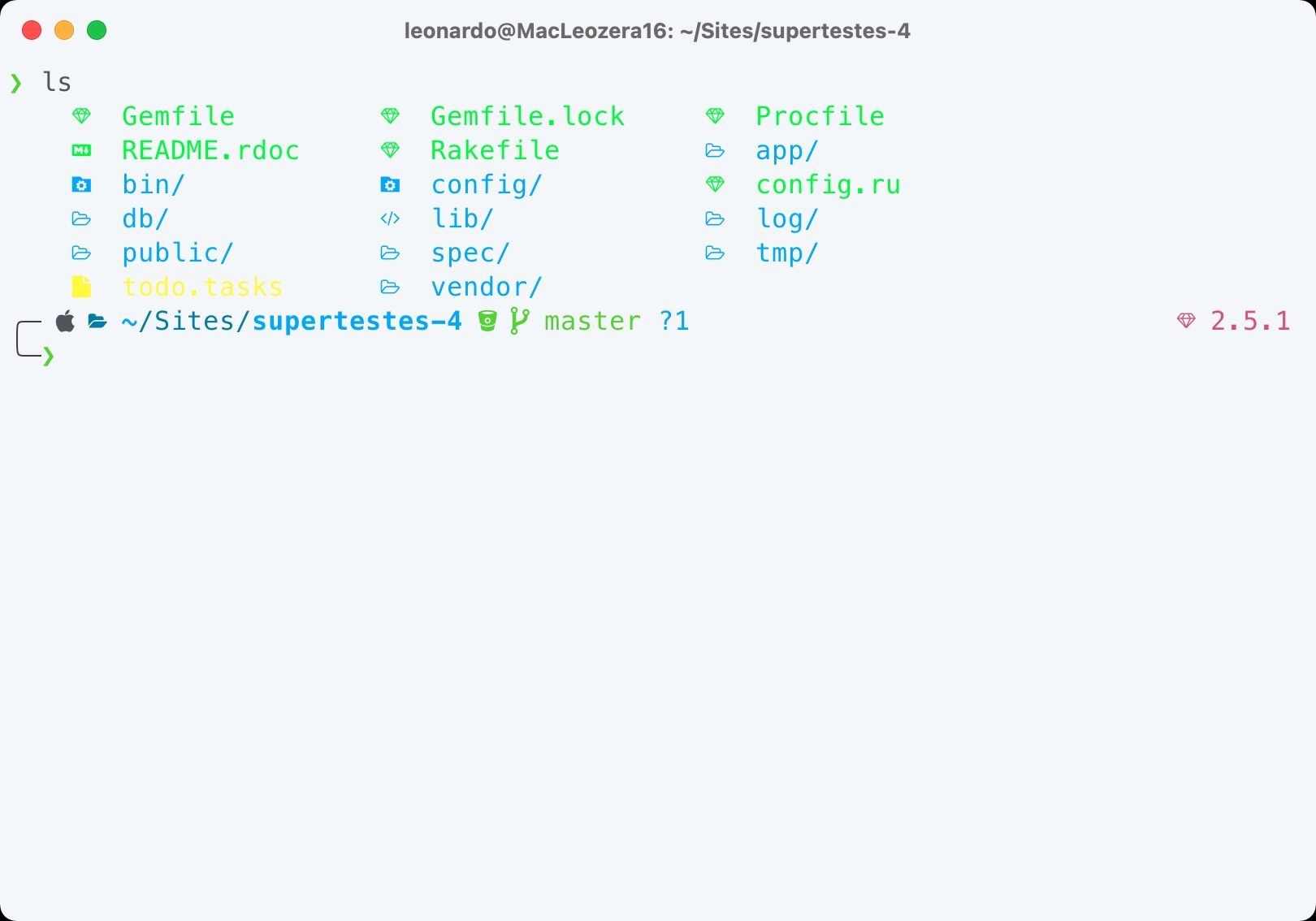
- Make sure that you have an updated macOS and Command Line Tools for Xcode:
sudo softwareupdate -i -a && xcode-select --install - Clone the repo in your home directory:
cd ~ & git clone git@github.com:leonardofaria/dotfiles.git ~/.dotfiles - Run
./install.sh
Check install/Brewfile and install/dev/Brewfile
- betterzip
- qladdict
- qlcolorcode
- showmd
- qlstephen
- qlvideo
- quicklook-csv
- suspicious-package
- webpquicklook
- Current Node via mise (also installs pnpm and bun), with global packages:
- Oh my zsh, with powerlevel10k theme and git, npm and osx plugins
There are lots of customizable Mac settings. Check macos/defaults.sh for all details.
You can update your dock running: dotfiles dock.
Note: this will remove all your current dock items.
Add your extra information environment variables in system/.custom.
Use the Sync Settings feature to restore settings from a different computer.
Recommended extensions:
- Refined GitHub
- Checker Plus for Gmail
- Window Resizer
- 1504 × 833 (window) — OBS, 1/4 of window
- 1200 × 600 (viewport)
- Gmail Sender Icons
- File Icons for GitHub and GitLab
- JSON Viewer Pro
- Wappalyzer
- Raindrop
- Control Panel for Twitter
- Claude
- 1Password
- Don't F*** With Paste
- Email Detective for Gmail
Run ssh-keygen -t ed25519 -C "your_email@example.com" - More instructions