This is a Quarto Template for Course Websites
-
Contents: https://github.com/judgelord/PP000
-
Published website: http://judgelord.github.io/PP000
-
_quarto.ymlcontrols the structure of the website (e.g., navigation tabs) -
index.qmdis home page content -
syllabus.qmdis a template syllabus -
syllabus-insert.qmdis boilerplate* content to include in all syllabi (keeping it a separate file makes it easier to update when new guidance comes out) -
assignments.qmdis a template assignment guide -
/slides/is a folder for slide decks-
day1.qmdis a template Revealjs slide deck -
ford.scssgives slides a Ford School logo background -
weill.scssgives slides a Weill Hall background (see, e.g., day1 slides) -
index.qmdautomatically indexes slide decks in the slides folder on the slides tab of the website
-
-
accessibility.qmdis a page of accessibility tips -
michigan.scssstyles all web pages, documents, and slides based on font and color guidance from the University of Michigan (optional; see HTML Theming for other options) -
/code/is a folder for code (optional)copy-syllabus-template-insert-to-other-courses.Ris R code to copy files to other course folders
-
/assets/is a folder for other useful things-
course.bibis an example bib file (optional) -
accessiblity-fixes.jsis JavaScript that fixes accessibly issues with web pages and HTML slides (see accessibly page)
-
-
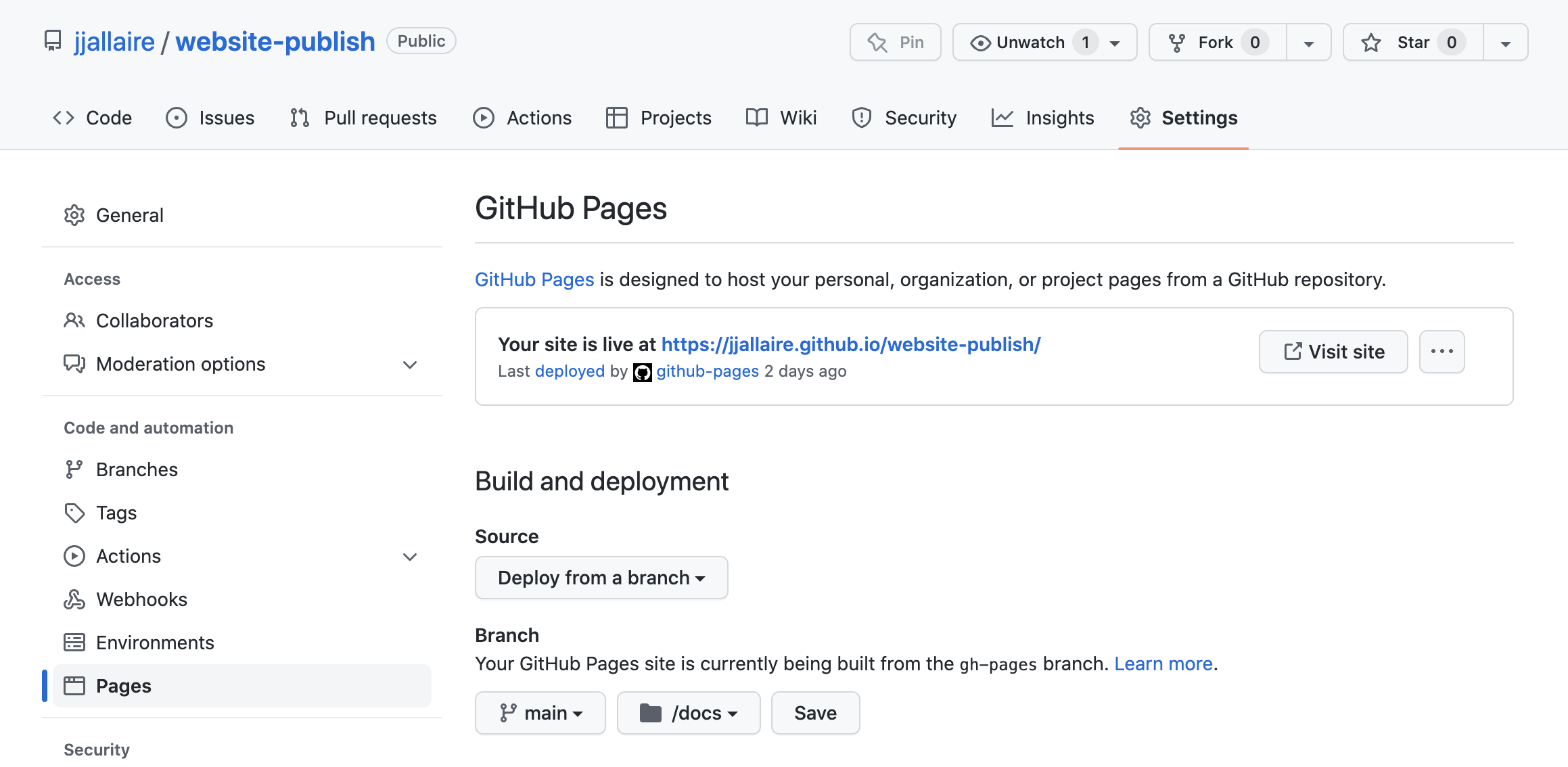
/docs/is where files are rendered when Quarto builds the website ---⚠️ DON'T EDIT IT MANUALLY⚠️ -
.gitignoreis a list of files to ignore (i.e., to not track or publish)
*This particular boilerplate language is from the "Ford School Syllabus Template AY 2025-26.docx" Google Drive file downloaded as Markdown.

2. On https://github.com/judgelord/PP000, click Use this template
Name this new repository whatever you want the course website address to be (e.g., "PP475")

3. Download as a version-controlled project
In RStudio: "New Project"--> "Version Control"

In RStudio: "Build" --> "Render Project" (the button may say "Render Website" instead)

Note: For the website, you only need to push changes to the /docs/ folder. Add other files only if you want to track changes. Don't push large files to GitHub.
In RStudio: select changes/files to commit on the "Git" tab. Then push the changes.

(If you don't already use GitHub, you will need to authorize/authenticate your computer to push changes to GitHub via a personal access token)