In this project, let's fix the Fruits Counter by applying the concepts we have learned till now.
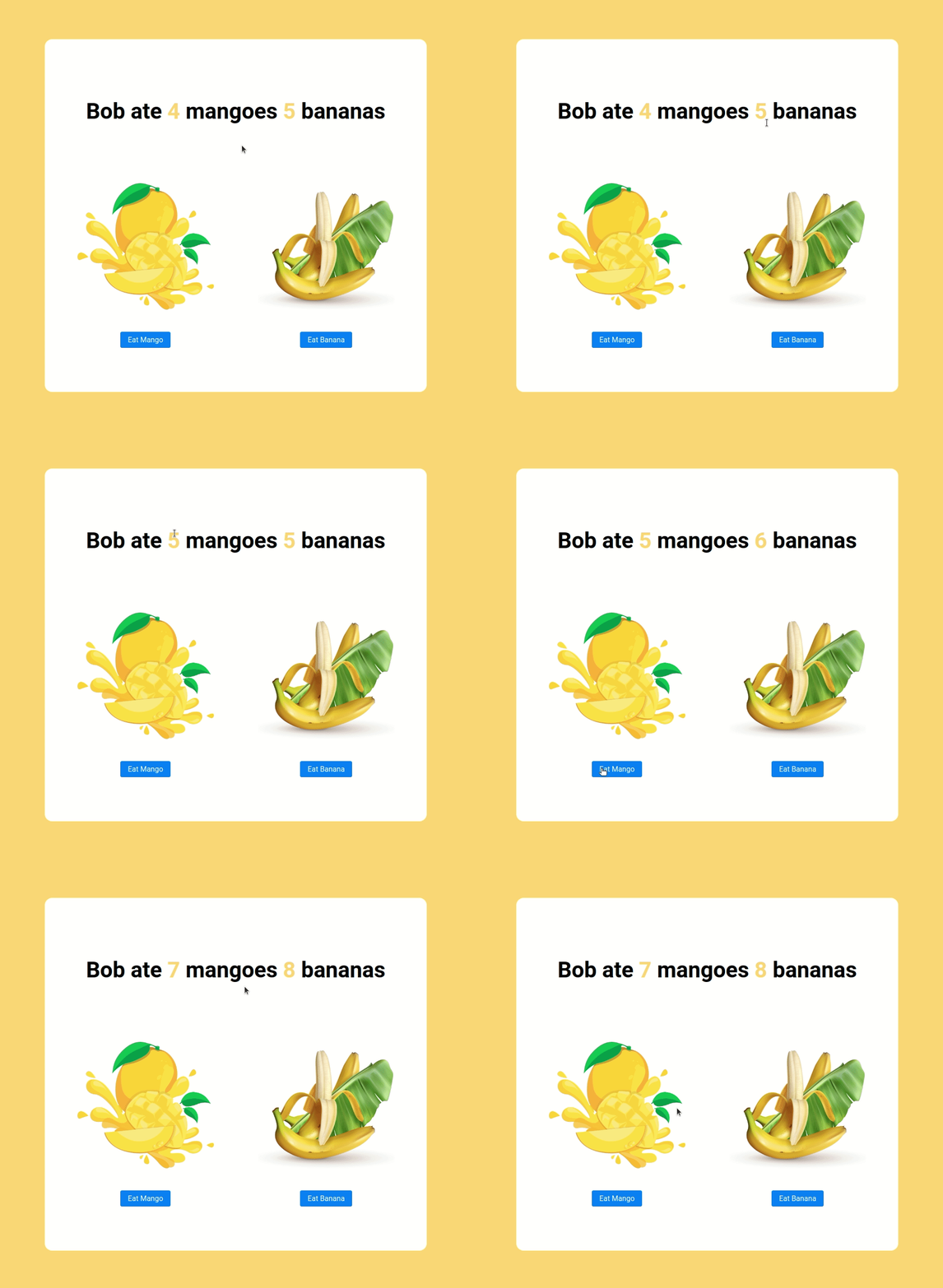
Click to view
- Download dependencies by running
npm install - Start up the app using
npm start
Functionality to be fixed
Fix the given code to have the following functionality
- Initially, the count of the eaten mangoes should be four and the count of the eaten bananas should be five
- When the Eat Mango button is clicked, then the count of the mangoes eaten should be incremented by one
- When the Eat Banana button is clicked, then the count of the bananas eaten should be incremented by one
Click to view
- There are
8bugs to be fixed to achieve the functionality and the UI that is expected
Image URLs
- https://assets.ccbp.in/frontend/react-js/mango-img.png alt should be mango
- https://assets.ccbp.in/frontend/react-js/banana-img.png alt should be banana

- All components you implement should go in the
src/componentsdirectory.- Don't change the component folder names as those are the files being imported into the tests.
- Do not remove the pre-filled code
- Want to quickly review some of the concepts you’ve been learning? Take a look at the Cheat Sheets.