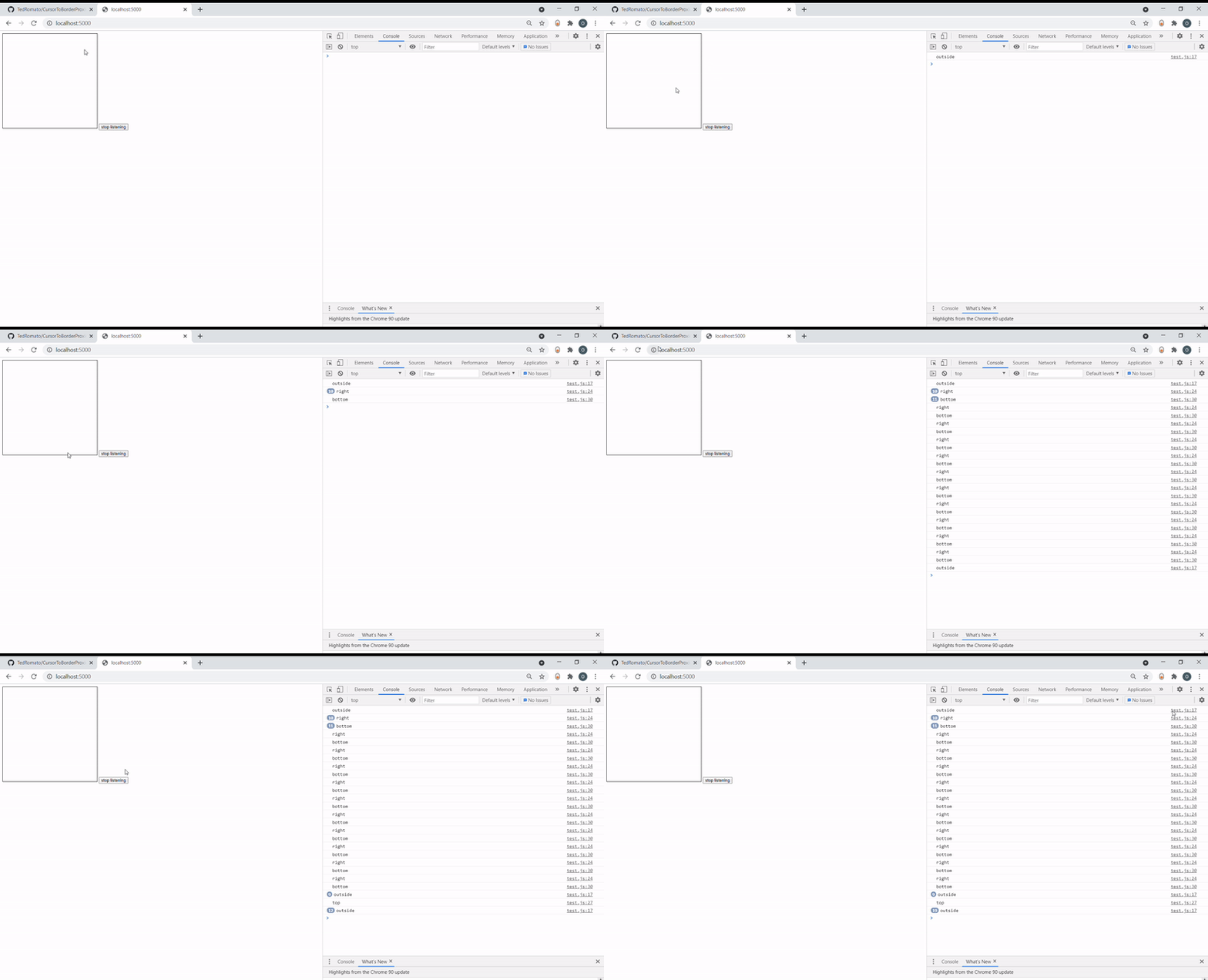
Periodically triggers a callback, that is fed information, about cursor being at distance from element borders.
- Import this file your js file
- Create CursorToBorderProximity instance
- Call onCursorToBorderProximity() on your instance, with callback as argument
- Call offCursorToBorderProximity() on your instance to cancel
Doesn't work with elements, which outer width, doesn't match their width. (Don't use margin :]) Requires jQuery to work. Data to onCursorToBorderProximity are passed as object with right, left, top, bottom, boolean parameters. If cursor is outside element, null is passed.
import CursorToBorderProximity from "./CursorToBorderProximity.js"

let proximityTest = new CursorToBorderProximity( $("#Element"), 25 /*border width*/, 50 /*interval lenght in milisec*/ )

//start listening
proximityTest.onCursorToBorderProximity( (borderProximity) => {callback(borderProximity)});

//stop listening on button click
$("button").click( () => {
  proximityTest.offCursorToBorderProximity();
});


function callback(borderProximity){
  if (!borderProximity) {
    console.log("outside");
    return;
  }
  if(borderProximity.left){
    console.log("left");
  }
  if(borderProximity.right){
    console.log("right");
  }
  if(borderProximity.top){
    console.log("top");
  }
  if(borderProximity.bottom){
    console.log("bottom");
  }
}