This repository was archived by the owner on May 28, 2022. It is now read-only.
Download Files
- Start the server
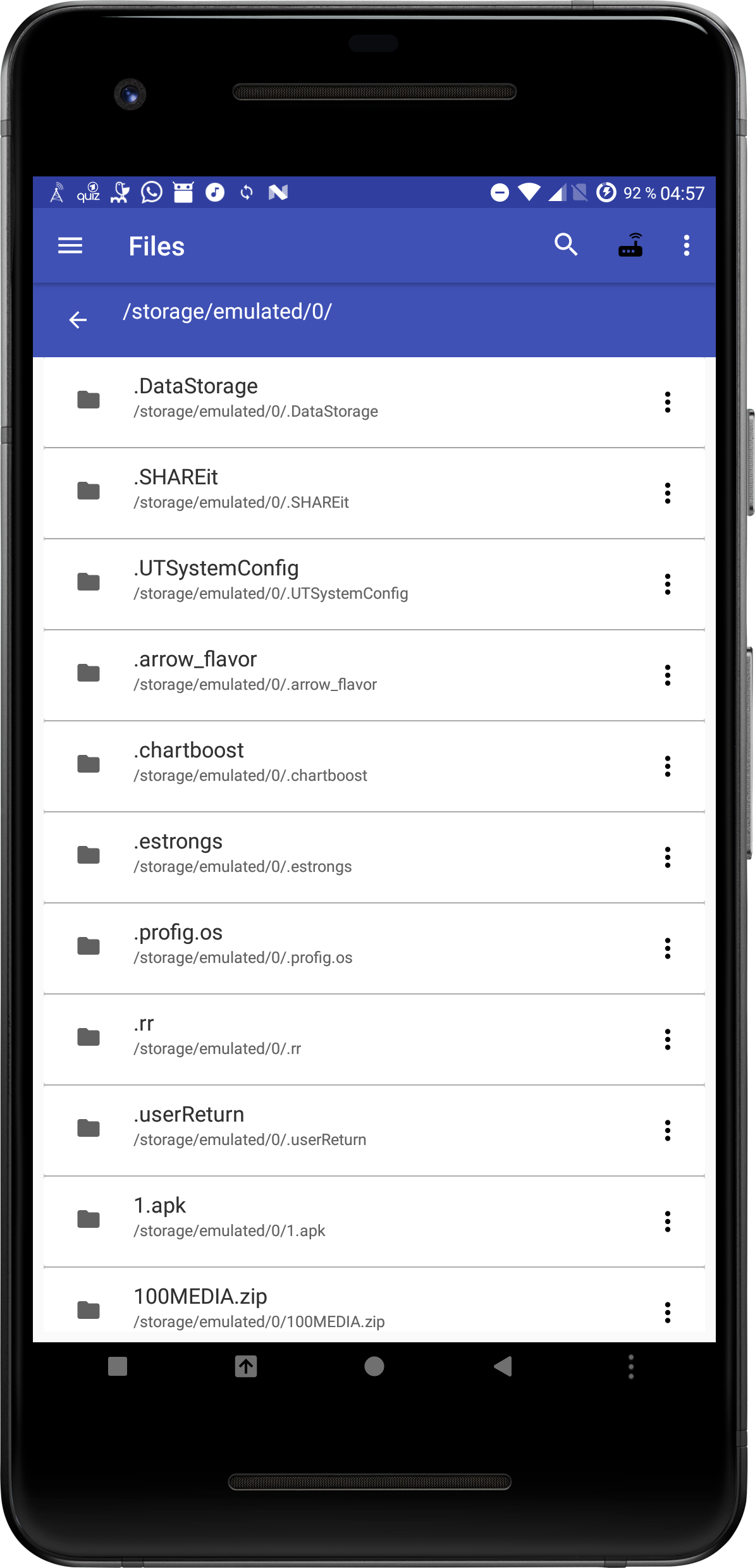
- Go to Files
-
Click on the context menu of the folder you want to host and choose "Host Folder"
-
Open the web interface in your browser (Open the ip that is shown in the notification)
-
Go to Files
