- Upmixing Stereo Audio like Dolby Atmos or want to DownMix Dolby Atmos to stereo? Here you go then :q
- Also check out https://github.com/AngelGonePro/sdr-hdr-enhancer
You must install Node.js: https://nodejs.org/
You must download ffmpeg: https://www.ffmpeg.org/download.html
And extract it in a location, in my case C:\Users\Angel\Documents\ffmpeg-8.0.1-full_build\bin\ffmpeg.exe
After installing Node.js go to the directory you downloaded, in my case C:\Users\Angel\Downloads\spatial-upmixer
PLEASE MAKE SURE TO USE THE INCLUDED main.js AND preload.js IN THIS REPO IN THE SAME DIRECTORY ASWELL.
Copy the directory
Open Powershell and do cd C:\Users\Angel\Downloads\spatial-upmixer
Then run npm install and npm install electron --save-dev if needed
Then run npm start
WARNING: PLEASE MAKE SURE AFTER CONVERTING AUDIO IT IS SYNCED WITH THE VIDEO, THEIR WAS AN ISSUE WITH OLD Blu Ray's THAT WAS FOUND OUT WERE CONVERTING A 5.1 AC-3 FILE TO FLAC WOULD CAUSE THE AUDIO TO BE 2.5 SECONDS BEHIND THE ACUTAL VIDEO(Which makes it seem like the audio comes before whats shown in the movie/video). THEIR WAS A TOGGLE ADDED FOR YOU TO FIX THIS IF YOU RUN INTO THIS PROBLEM CALLED Audio Delay / Offset.
IF THE AUDIO SEEMS TO BE AHEAD OF THE VIDEO ADD SECONDS, IF ITS BEHIND THE VIDEO SUBTRACT SECONDS!
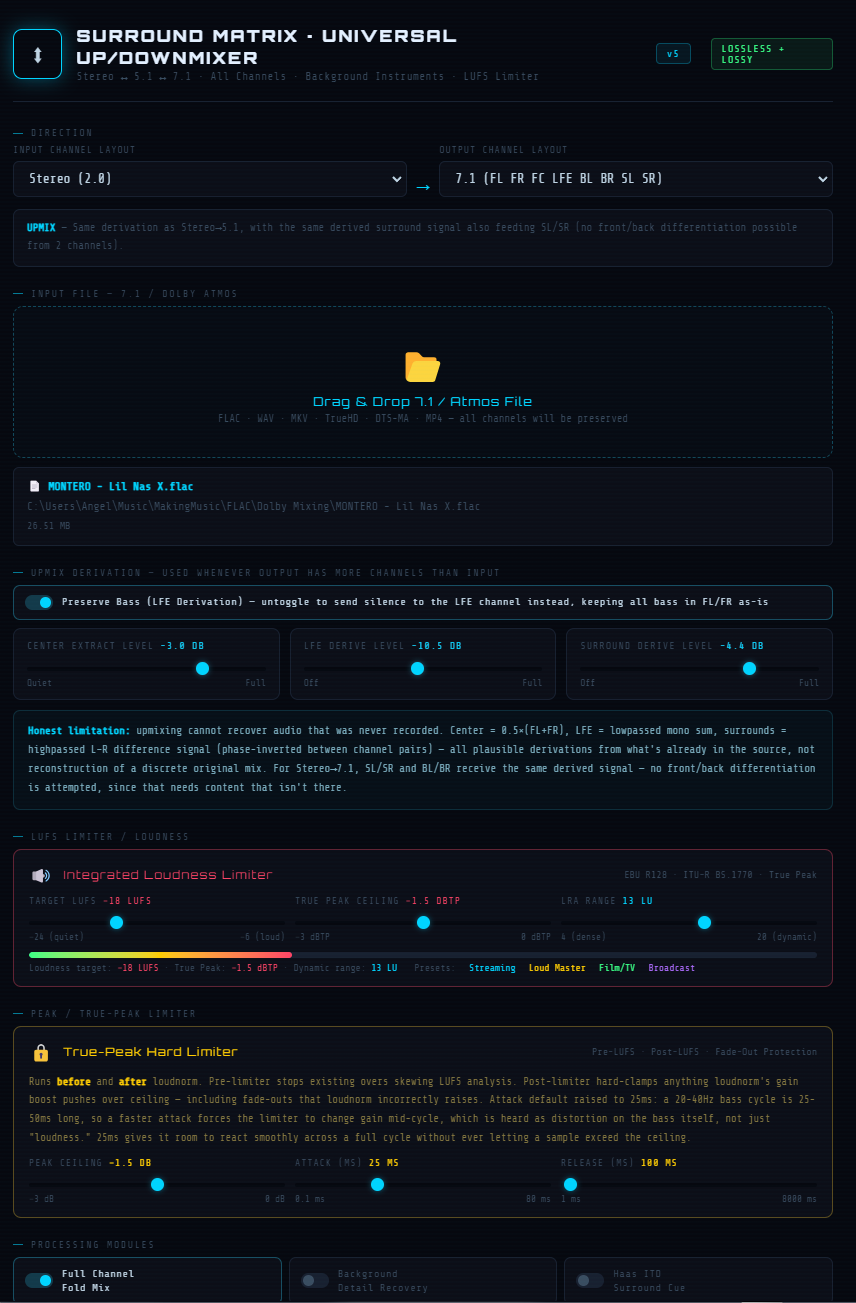
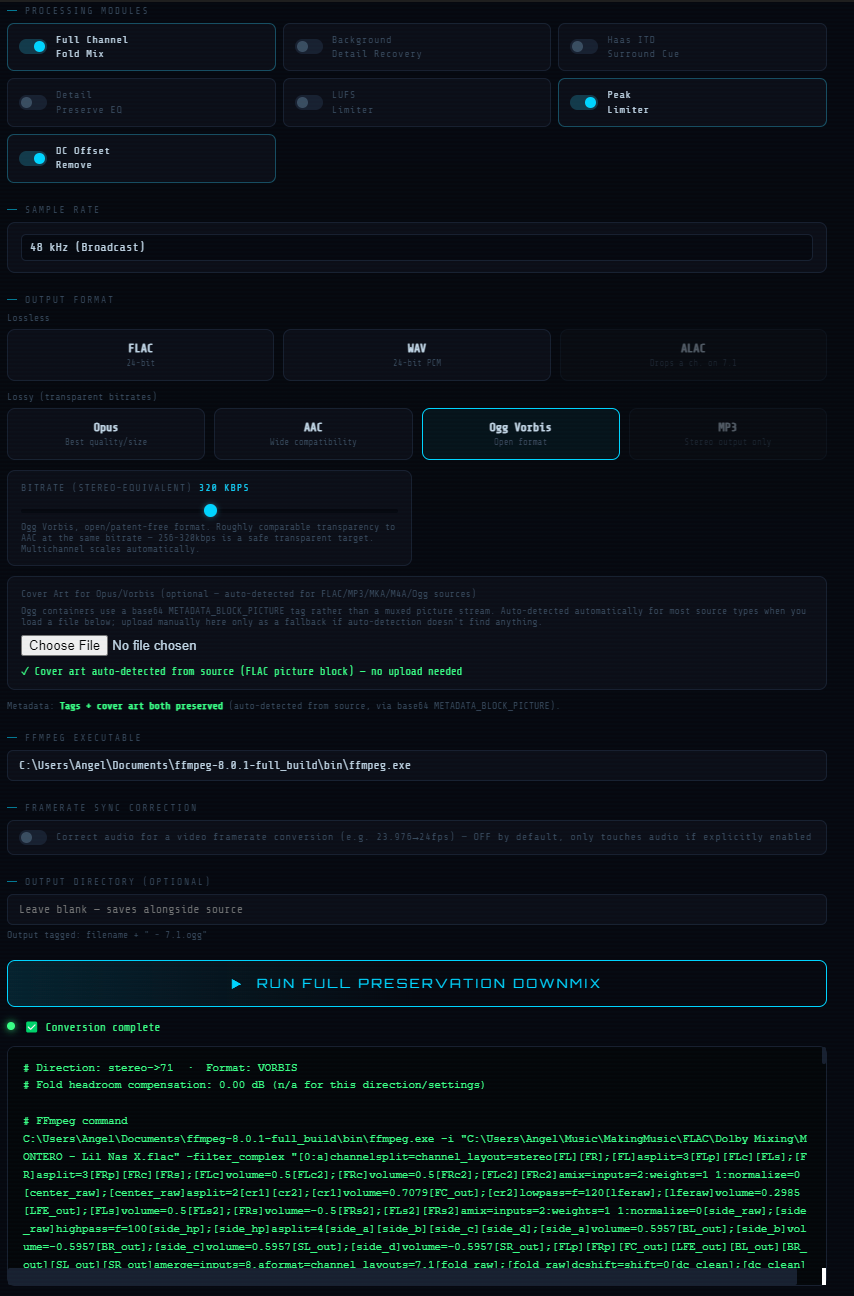
For full-mixer-use-this-one theirs no need for the info below.
So in the index.html file look for const ffmpeg = "C:\\Users\\Angel\\Documents\\ffmpeg-8.0.1-full_build\\bin\\ffmpeg.exe"; and replace it to were you extracted yours.
For spatial-downmixer and spatial-upmixer, PLEASE use a 24bit 48kHz FLAC files unless you know what you're doing and can change the perameters for the files you have, just use something like Audacity to convert whaterver file you have to it.
For true-dolby-atmos-downmixer, true-dolby-atmos-upmixer, true-atmos-downmixer-7.1-to-5.1, and true-atmos-upmixer-5.1-to-7.1 will tell you what file types are supported and if the file type you have needs conversion or not.