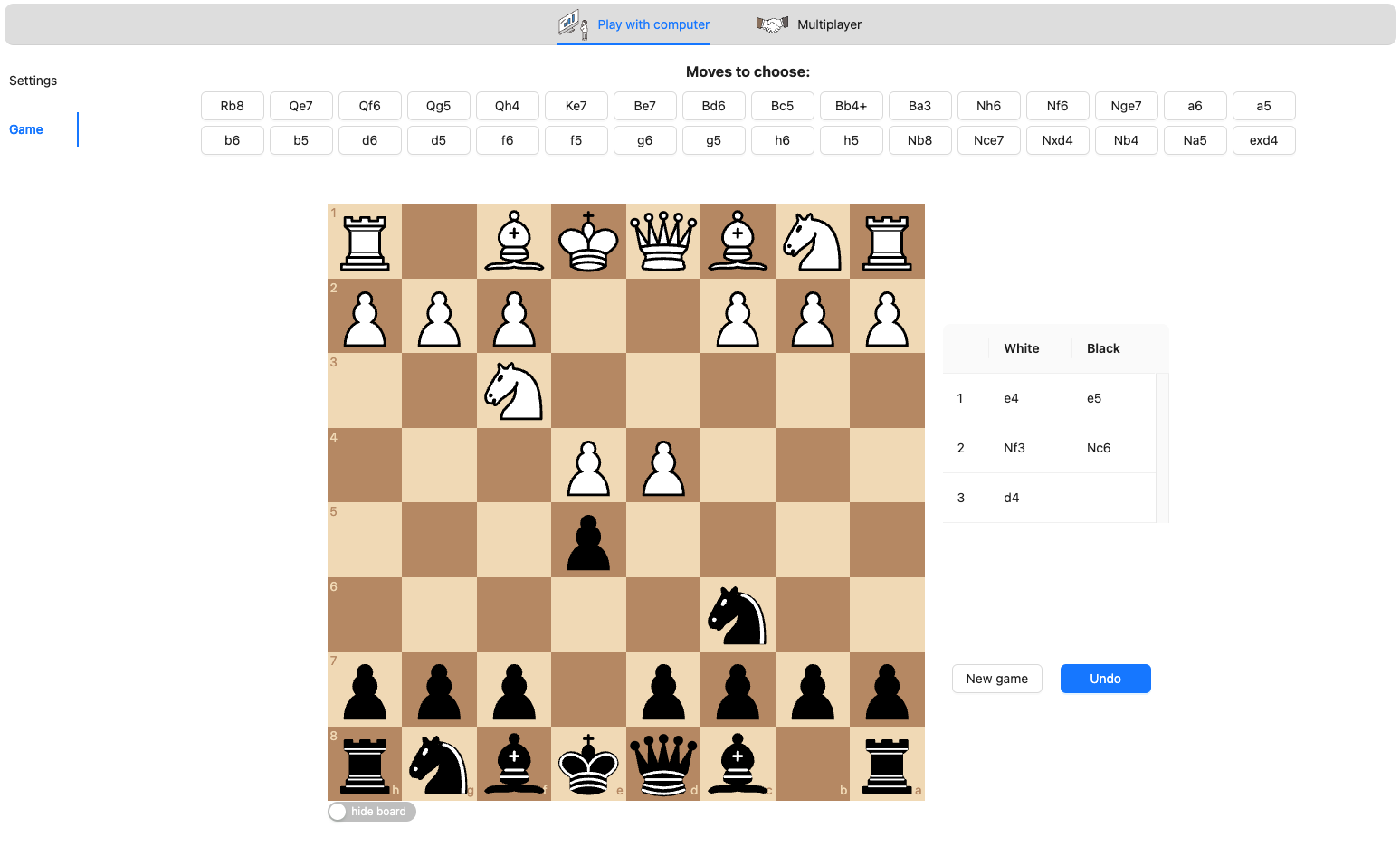
The online chess application is a platform for playing chess against a computer or other players. The application offers various features, including:
-
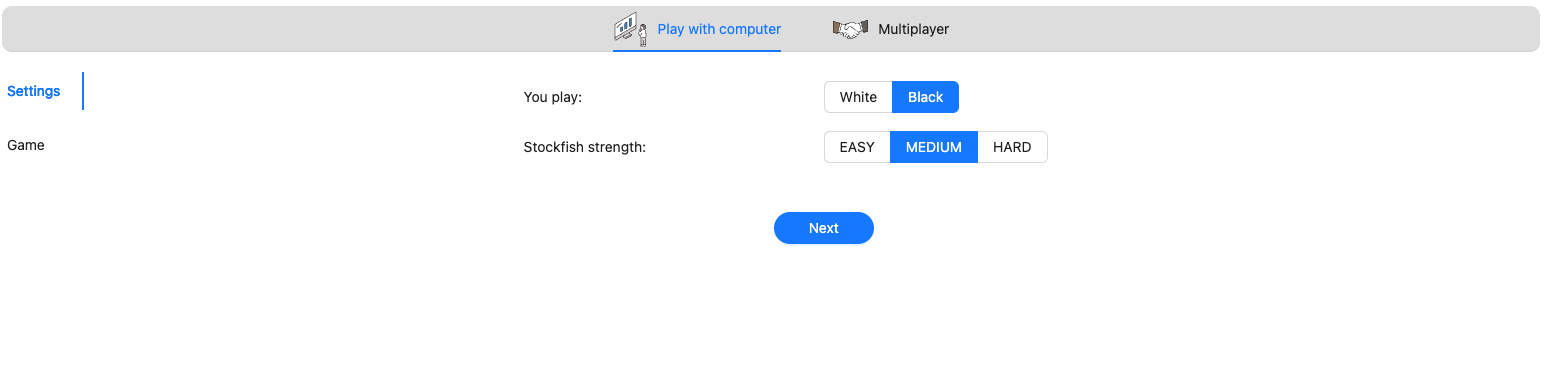
ability to set piece colors
-
adjustable difficulty level using the Stockfish engine
-
blindfold chess mode with moves selectable via the interface
-
hide/show the chessboard for blindfold chess mode
-
undo move
-
new game
-
development ongoing for multiplayer functionality based on websockets
-
TODO features include:
- storing games and moves history
- chat feature for players to communicate during the game
- player profiles with statistics and a history of past games
- inviting a friend to play via a unique generated link
📜 The application is still in development, and the multiplayer mode is currently under construction.
The section aims to showcase the most significant challenges faced during this project.
- Next.js, Express.js (work in progress 💪): Explored these frameworks extensively for building user interfaces and server.
- Chess.js: Utilized Chess.js library for managing chess game logic and moves.
- Websockets (work in progress 💪): Explored and implemented real-time communication for multiplayer functionalities using Socket.io.
- Problem-solving Skills: Faced various roadblocks that enhanced my problem-solving skills in web development.
- Project Structure: Gained insights into organizing and structuring larger projects efficiently.
- Real-time communication implementation (work in progress 💪): Understanding and implementing Websockets for multiplayer functionality was a steep learning curve.
- Game Logic and State Management: Managing the game state and implementing features like setting Stockfish engine to blindfold chess mode and webbworkers were challenging aspects.
The project's journey has been instrumental in enhancing my technical skills and problem-solving abilities, providing hands-on experience in implementing real-time communication and game mechanics.
Major frameworks and libraries used:
- Next.js
- Express.js
- chess.js
- react-chessboard
- webworkers
- socket.io
Setting up your project locally. To get a local copy up and running follow these simple steps.
Update npm package to the latest version.
npm i npm@latest -gClone the repo
git clone https://github.com/Ambitious156288/chess-app.gitInstall NPM packages
npm inpm start